Le Botaniste: Starters Module
Introduction
This is an interactive training program designed to standardize recipe preparation, presentation, and brand consistency across Le Botaniste locations.
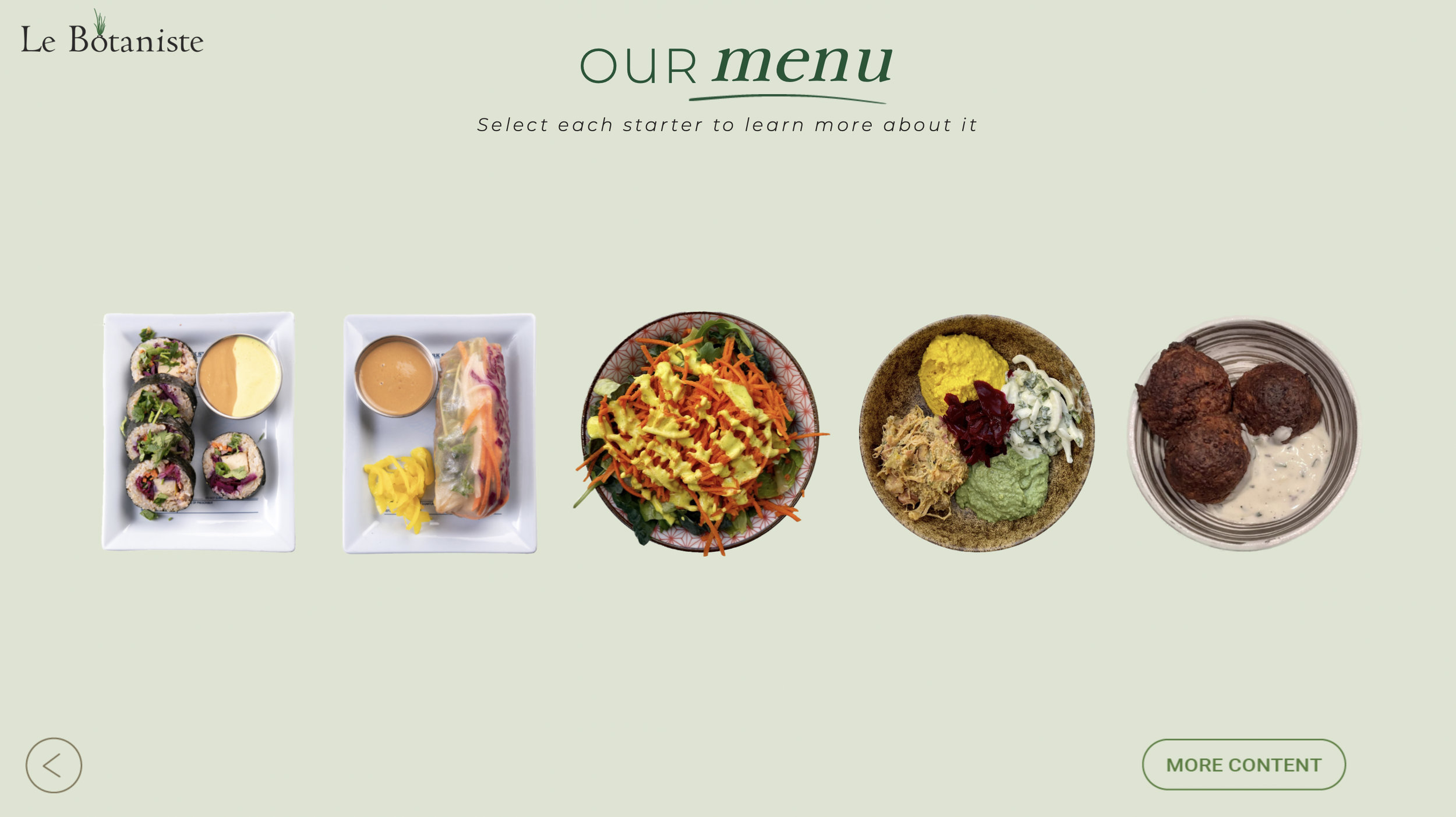
This portfolio section showcases one interactive module — Starters — from the full suite of courses covering bowls, starters, desserts, and beverages.
The Challenge
Le Botaniste wanted to centralize their recipes to ensure consistent preparation and quality across all locations. They needed a structured training solution that aligned team members with brand standards for recipe execution and ingredient use.
General Learning Objectives
The learning objectives were created to align with the client’s training needs and were divided into key areas:
Recipe Preparation
Apply standardized techniques to prepare starters, bowls, desserts, and beverages consistently.
Presentation & Professional Standards
Demonstrate proper plating, ingredient use, and professional conduct aligned with the brand’s image.
Process
Welcome to the Pressed Experience Module! In this module, we will explore the key components of creating a personalized, engaging, and enjoyable environment for each customer, ensuring they receive an impeccable experience. We will delve into the significance of exceptional service delivery and provide you with the tools and knowledge to enhance customer satisfaction.
Solution
The solution is a learning program composed of multiple modules, each focused on a key area of culinary expertise. This portfolio section highlights the Starters module to showcase the program’s approach and design, as well as its interactive elements.
You can preview the module here:
Results
This approach showed improvements in both engagement and performance:
Reduction in preparation errors for starters
Positive learner feedback
Learners reported feeling more confident in recipe execution
Faster preparation times observed post-training
Tools
To bring these interactive training modules to life, a combination of tools and assets was used:
Articulate Storyline 360 for interactive scenarios and decision-based learning
Adobe Illustrator and Photoshop for creating and editing visual assets
Adobe Premiere Pro to edit recipe videos, adding ingredient titles and visual enhancements